 Get Kenney Game Assets All-in-1 to download everything at once, plus free updates!



Project page
-
Create a new project page using this link
-
Upload the files for your game, do a final check to make sure your game runs and includes all required files. If you're adding a web build make sure to test that too, it might function differently from a downloadable executable.
-
Click 'Save & view page' at the bottom of the page
-
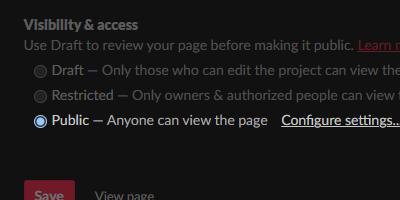
Then click 'Edit project' on top of the page, scroll down and change visibility to 'Public'
Submitting to the jam
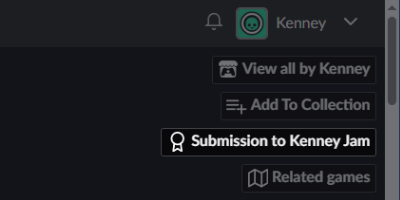
Visit the Kenney Jam page and click 'Submit your project', then pick your game from the 'Existing project' list. To make sure you've submitted your game correctly go to your game page, on the top right it should say 'Submission to Kenney Jam'
Play in browser
To make sure your game can be played in the browser build a browser-playable project in your game engine. Then take all files and create a ZIP archive, make sure that there's an 'index.html' in the root folder.
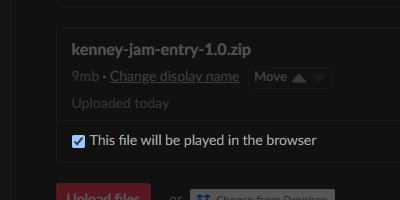
Upload the ZIP archive and on your Itch.io project page set 'Kind of project' to 'HTML' and check 'This file will be played in the browser' under your uploaded archive. When setting the viewport dimensions we recommend 1280 × 720 in size.
Late submissions
You cannot under any circumstance submit your game outside of the deadline, for any reason. We recommend stopping development at least 1 hour before the deadline so there's enough time to submit your game correctly.